Our Products

Professional 3D CAD viewing and engineering solutions

01 — Visualization Solutions
V11
Most Popular

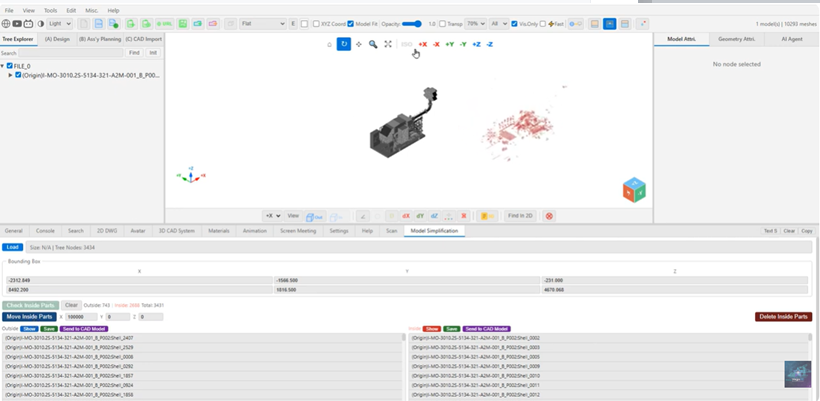
Vega3D X

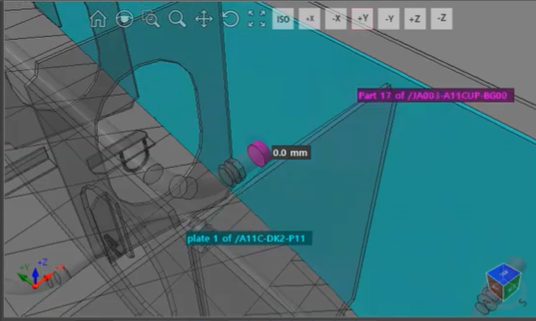
CAD System 동기화 대용량 3D 모델 가시화 솔루션입니다. 조선/해양/플랜트 설계 CAD 시스템과 실시간 연동하여 대용량 3D 모델을 고성능으로 가시화합니다.

대용량 3D 모델 가시화
Model & Geometry Attribute
Real-time Rendering
Measurement Tools
Section / Clipping Views
CAD System Real-time Interface
Import / Export (STEP/IGES/STL/OBJ)
Hull / Outfit Part Management
Model Collide Check
2D Drafting Mode
Vega3D X
AI Engine

Powered by VegaGO

Offline 3D CAD Specialist AI  ·  No usage-based cost

Level 1. Local LLM integration · Private AI (no internet required)
Level 2. Rule-based CAD responses — Bounding Box, Entity/Hierarchy analysis, Collision check, Tree structure analysis
Level 3. RAG System — Optimized knowledge retrieval for shipbuilding & plant engineering (Retrieval-Augmented Generation)
View Video
Vega3D X Screenshot
V12
Web Solution

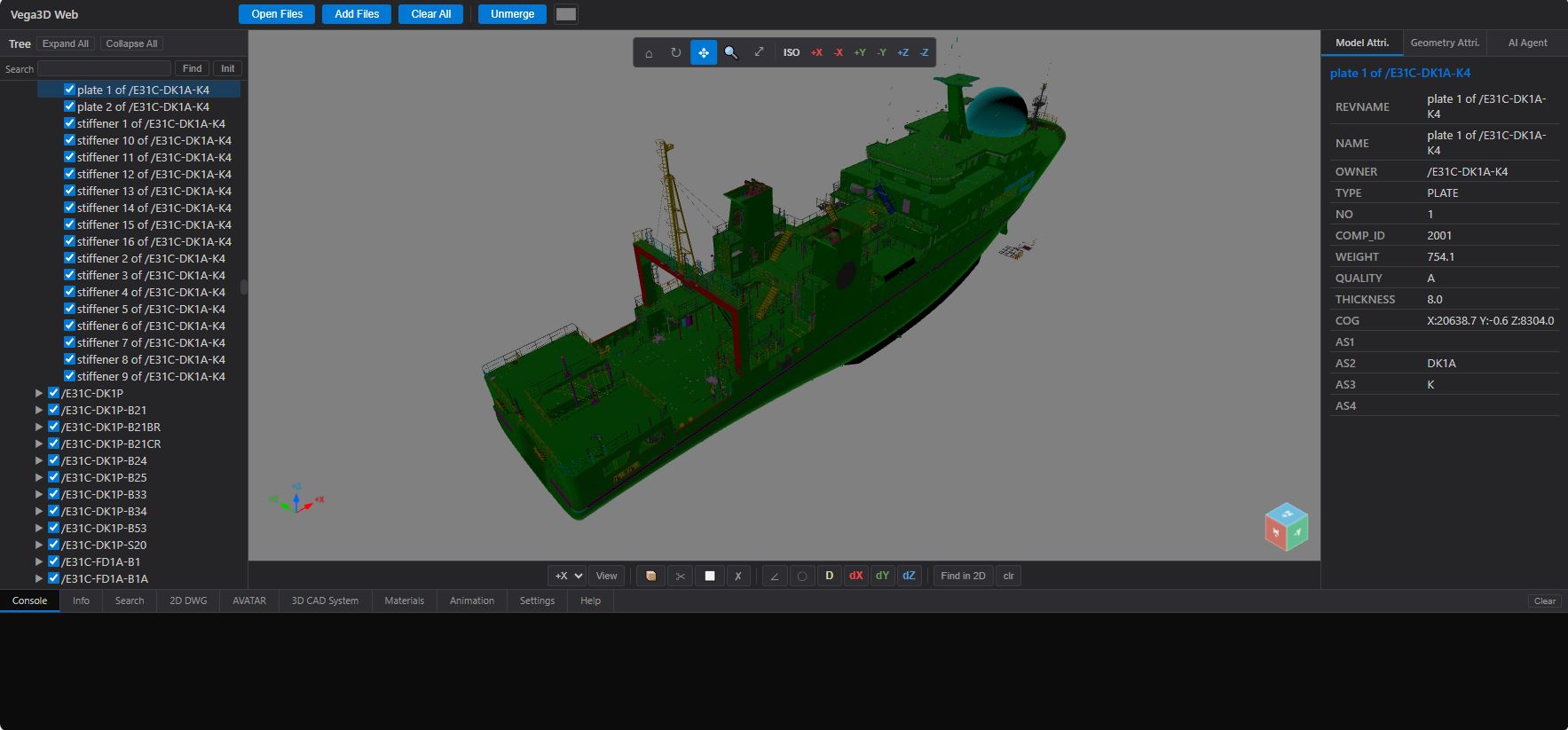
Vega3D Web

웹기반 대용량 3D 모델 가시화 활용 협업 솔루션입니다. 웹 브라우저에서 대용량 3D 모델을 실시간으로 확인하고 팀원들과 효율적으로 협업할 수 있습니다.

대용량 3D 모델 가시화
Model & Geometry Attribute
Real-time Rendering
Measurement Tools
Section / Clipping Views
협업 시스템 관리/지원 (with BroadCast)
Vega3D X
View Video
Vega3D Web Screenshot
V13
AI Agent Engine

VegaGO

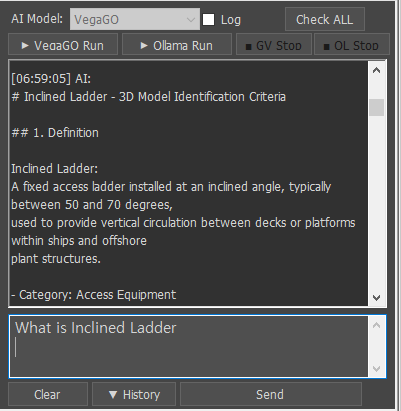
Offline 3D CAD Specialist AI built into Vega3D X and Vega3D Web. Runs completely offline with no internet required — ideal for high-security projects, large CAD environments, and internet-restricted facilities. No usage-based cost.

Local LLM Integration — Private AI, no internet required
Rule-based CAD Responses — Bounding Box, Collision check
Entity & Hierarchy Analysis — Tree structure navigation
RAG System — Shipbuilding & plant engineering knowledge base
No usage-based cost — flat-rate, on-premise deployment
Compatible with Vega3D X & other 3D solutions
VegaGO AI Engine
V14
File Converter

Vega3D Converter

Fast Batch RVM/REV to VEGA3D format converter. File Conversion Specialist — Conversion also supports various other file formats including .glbw, with batch processing, subfolder scanning, and file merge capabilities.

RVM / REV → VEGA3D (.glbw) fast batch conversion
Output formats: .glbw, .glbw(P/D/M), .stl, WebP
Folder batch scan — include/exclude subfolders
Merge Mode — One File or Alphabet Digit grouping
Character substitution for cross-platform path compatibility
Web server integration — auto-generates server.py & merge scripts
Request File Convert Contact Sales
Vega3D Converter
V15
BETA
v0.1
AI SDK · Developer Kit

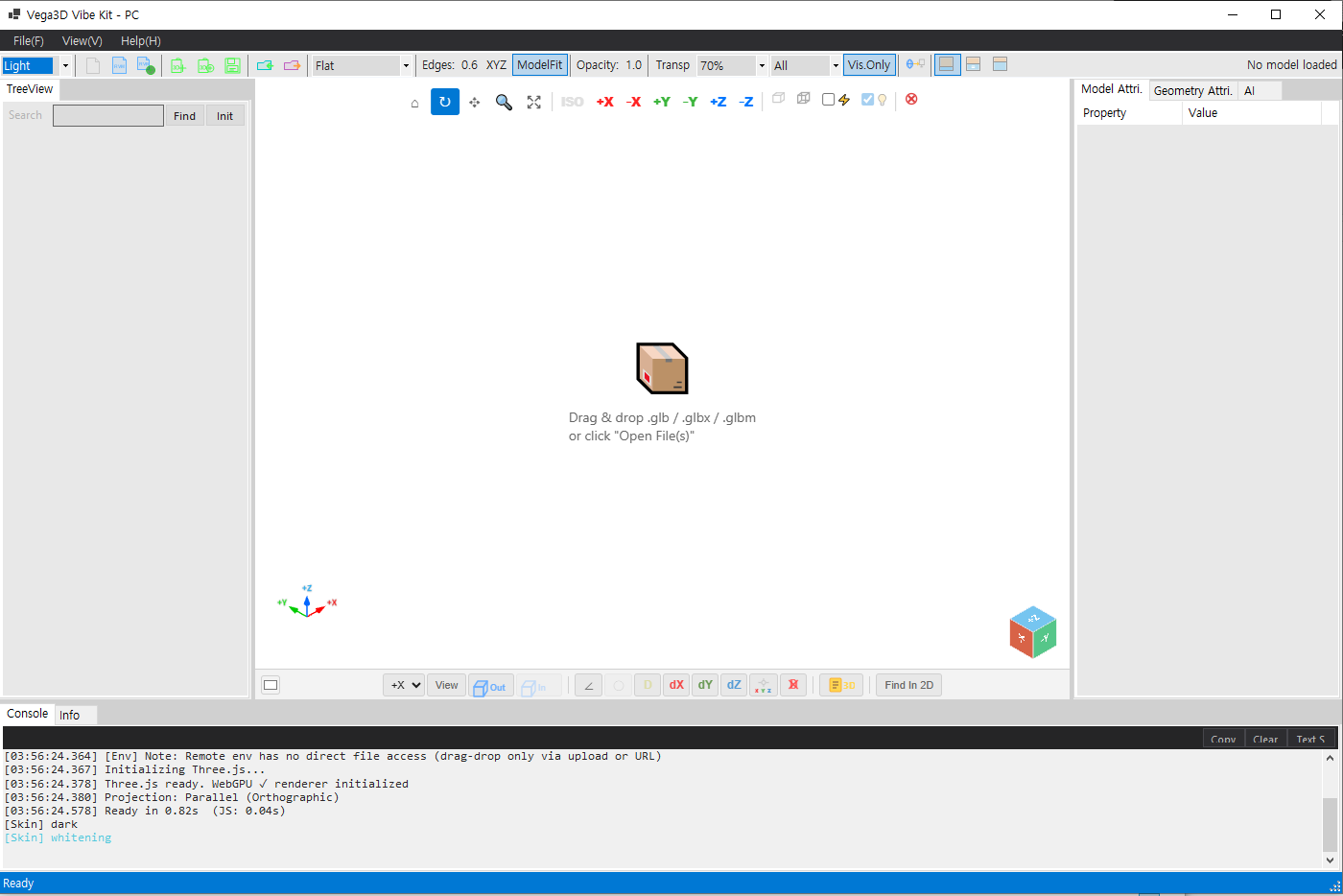
Vega3D Vibe Kit

AI-native 3D viewer SDK that works with any AI — US-made or Chinese-made, free or paid (Claude · OpenAI · Gemini · DeepSeek · and more) — to directly control 3D models through natural language. No development experience required — anyone can build. Simple features in ~30 min, business features in ~1 day via AI Vibe coding.

Any AI, Any Origin — US · Chinese · Free · Paid · Web · PC, all supported
28+ command unified protocol — single JSON schema for all LLM adapters
No dev experience required — simple features ~30 min, business features ~1 day
Formats: GLTF / GLB · STEP · IFC · OBJ · STL · auto-detect
Assembly Explode · Section Clip · PBR Material · Screenshot · GLB Export
Contact for Beta Access
Vega3D Vibe Kit

Two Ways to Build

Choose Your Development Style

Both methods share the same 28+ command engine — pick the approach that fits your project.

METHOD 1 vega3dVibeKitTemplate

Vibe Kit Template

Professional full-UI viewer built from scratch — for power users who need complete control over every interaction, layout, and workflow.

  • Full custom UI — menu bar, toolbar, tree, attributes, console panels
  • Perspective ↔ Orthographic projection, 7 camera presets, view cube + axis gizmo
  • Distance / angle / delta measurements with real-time geometry stats
  • AI/LLM voice & text control integration (Qwen · DeepSeek · Claude · OpenAI)
  • Panel resizing, light/dark theme, real-time draw call & GPU memory stats
TypeScript — viewer.execute()
await viewer.execute("model.load", { url }); await viewer.execute("camera.set_preset", { preset: "iso" }); await viewer.execute("measure.distance", { p1, p2 }); viewer.addEventListener("vega:selection", handler);
~1,200 lines TypeScript | Desktop-class experience
METHOD 2 vega3dEmbedKit

Embed Kit

Web Component drop-in for instant integration — add a 3D viewer to any existing app with just a few HTML tags. Everything auto-syncs.

  • Drop-in Web Components — <vega-viewer> <vega-tree> <vega-attr>
  • Auto-sync — tree selection, viewport click, attribute panel update all wired automatically
  • Zero boilerplate — no manual event wiring, no state management needed
  • URL parameter support — ?src=model.glb for direct model loading
  • Ideal for dashboards, CMS, e-commerce, rapid prototyping
HTML — declarative web components
<vega-tree for="v3d"></vega-tree> <vega-viewer id="v3d"></vega-viewer> <vega-attr for="v3d"></vega-attr> // Everything auto-syncs. That's it.
~128 lines TypeScript | Minutes to integrate
Choose Vibe Kit Template if: You need professional UI, measurements, AI voice control, or full customization. | Choose Embed Kit if: You want instant drop-in integration with minimal code into an existing app.

Command Protocol — commands.json v0.1.0

28+ commands · All coordinates in mm · All IDs UUID v4 · Returns { ok, data?, error? }

Model

  • model.load
    Load 3D model from URL → scene
  • model.unload
    Remove model from scene
  • model.list
    List all loaded models
  • model.get_tree
    Part hierarchy tree

Camera

  • camera.set
    Set position & target
  • camera.get
    Current pose (pos/target/fov)
  • camera.fit_view
    Frame part / model / all
  • camera.set_preset
    front/back/top/bottom/left/right/iso
  • camera.orbit
    Orbit by Δazimuth / Δelevation°

Selection

  • selection.by_id
    Select parts by UUID (replace/add/toggle)
  • selection.by_point
    Raycast pick at screen xy
  • selection.clear
    Clear selection

Visibility

  • visibility.set
    Show / hide parts
  • visibility.isolate
    Show only given parts
  • visibility.show_all
    Restore all parts visible

Measure

  • measure.distance
    3D distance between two points (mm)
  • measure.angle
    Angle by three points (vertex at p2)
  • measure.clear
    Remove one or all measurements

Section

  • section.add_plane
    Add clipping plane (origin + normal)
  • section.remove
    Remove clipping plane

Material

  • material.apply
    PBR override: color / metalness / roughness / opacity

Scene

  • scene.explode
    Explode assembly (factor 0–2)
  • scene.set_background
    Color (#hex) or HDRI URL
  • scene.get_stats
    FPS / triangles / draw calls / GPU mem

Export

  • export.screenshot
    Capture viewport PNG/JPG/WebP
  • export.gltf
    Export model as glTF/GLB

Events

  • events.subscribe
    Push via MCP resource / WebSocket
  • events.poll
    Poll events since timestamp (REST fallback)
V16
COMING
SOON
Reality Capture · AI · CAD Automation

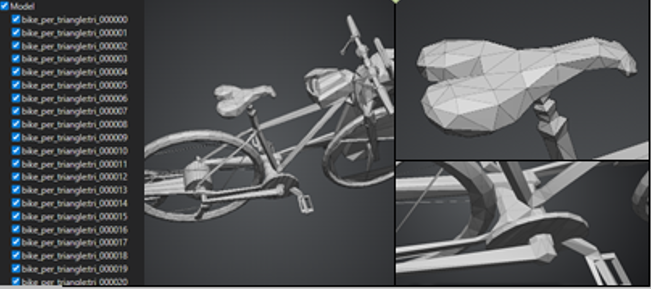
Vega3D ScanTo3D

Turn any smartphone photo or LiDAR scan into a precise, editable CAD model — automatically. ScanFlow bridges the gap between the physical world and your digital workflow, letting field workers capture industrial facilities with the device already in their pocket.

Zero-equipment capture — iPhone / Android / DSLR / Drone, any camera works
iPhone LiDAR + photogrammetry fusion — depth accuracy with full texture
7-stage AI pipeline — Capture → Reconstruct → Register → Segment → Classify → CAD → Deliver
Auto CAD generation — pipes, plates, beams extracted as parametric entities
Instant sharing via vega3d.xyz — review in browser, edit in Vega3D desktop
Export: DWG · STEP · IFC · NX · AVEVA · GLB
Vega3D ScanTo3D
SCANNING ●
1 Shoot 50–500 photos with iPhone
2 AI reconstructs 3D point cloud (SfM + MVS)
3 Auto-classify → generate parametric CAD
4 Share via vega3d.xyz instantly

iPhone → Point Cloud → CAD

🏭

Plant & Factory

As-built documentation for piping, equipment, and structural steel. No survey equipment needed.

🚢

Shipbuilding

Hull / Block / Panel structure recognition. Export to AVEVA Marine, Tribon, NX directly.

🏗️

Construction & Civil

Progress monitoring, clash detection, BIM integration via IFC export.

02 — Marine Solutions

AI-driven analysis, search and generation
across your 3D data.

Specialized marine engineering modules for shipbuilding, offshore & plant production workflows.

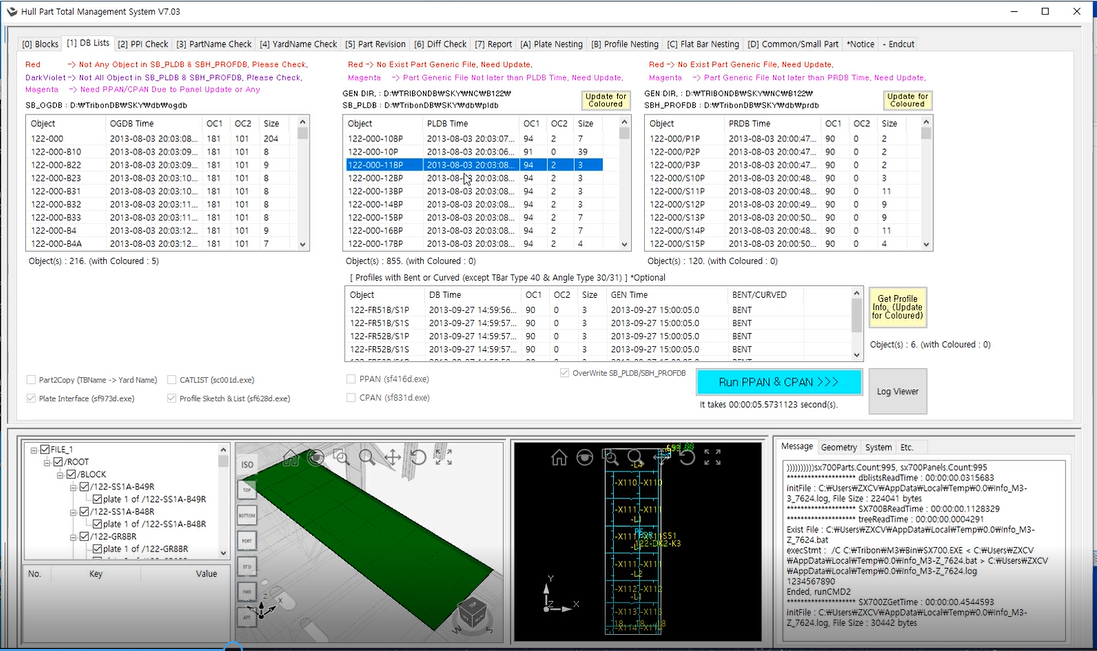
Hull Part Manager
M11

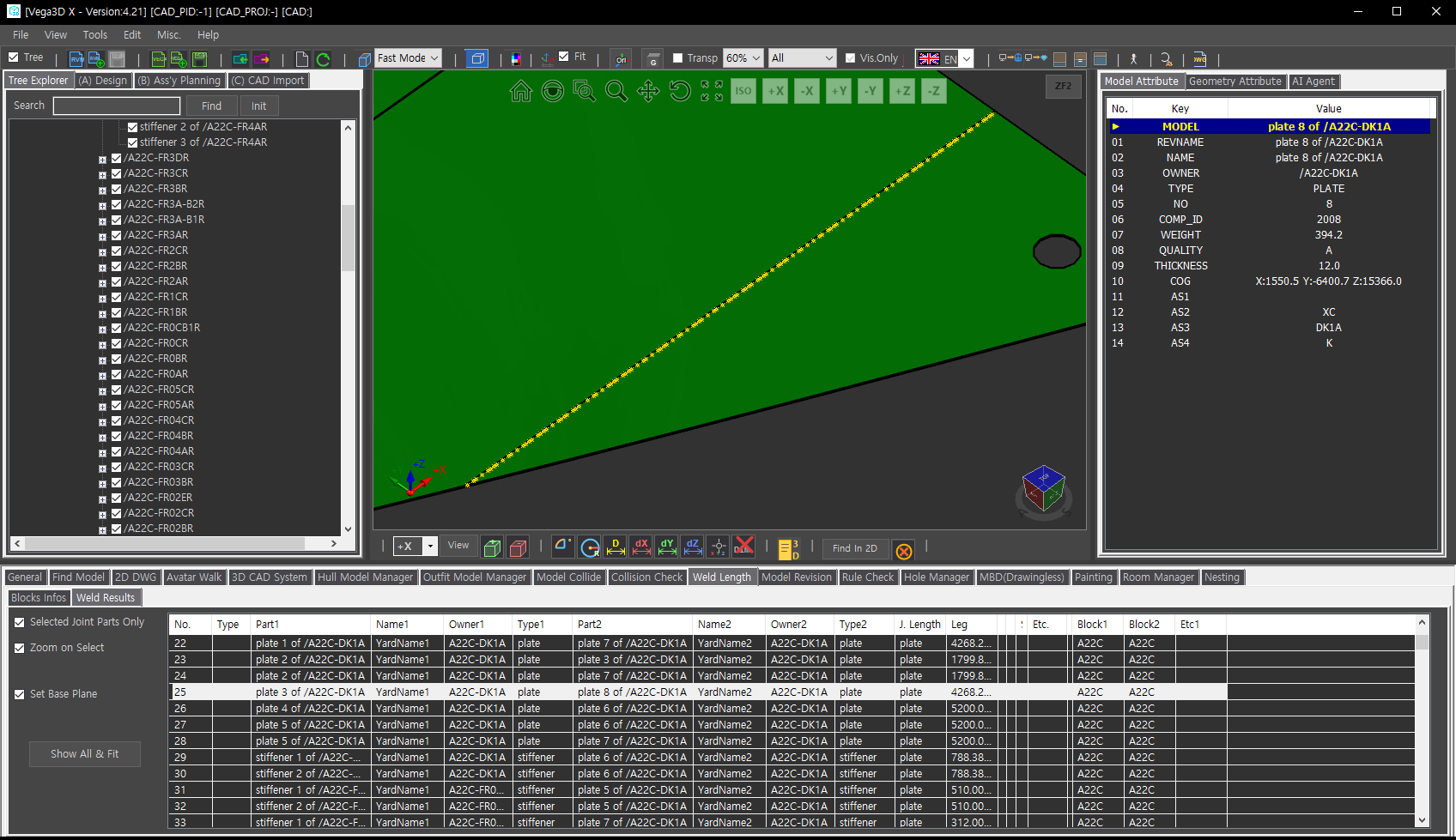
Hull Part Manager

Fast File Format Converter & Merge

  • Real-Time Interface of Hull Block Model (3D CAD)
  • Summary Tables for Nesting (Plate / Profile / F-Bar)
  • Production Split Check — Report BOM
  • Support PPAN/CPAN — Include Part Revision Check
3D Model Revision Check
M12

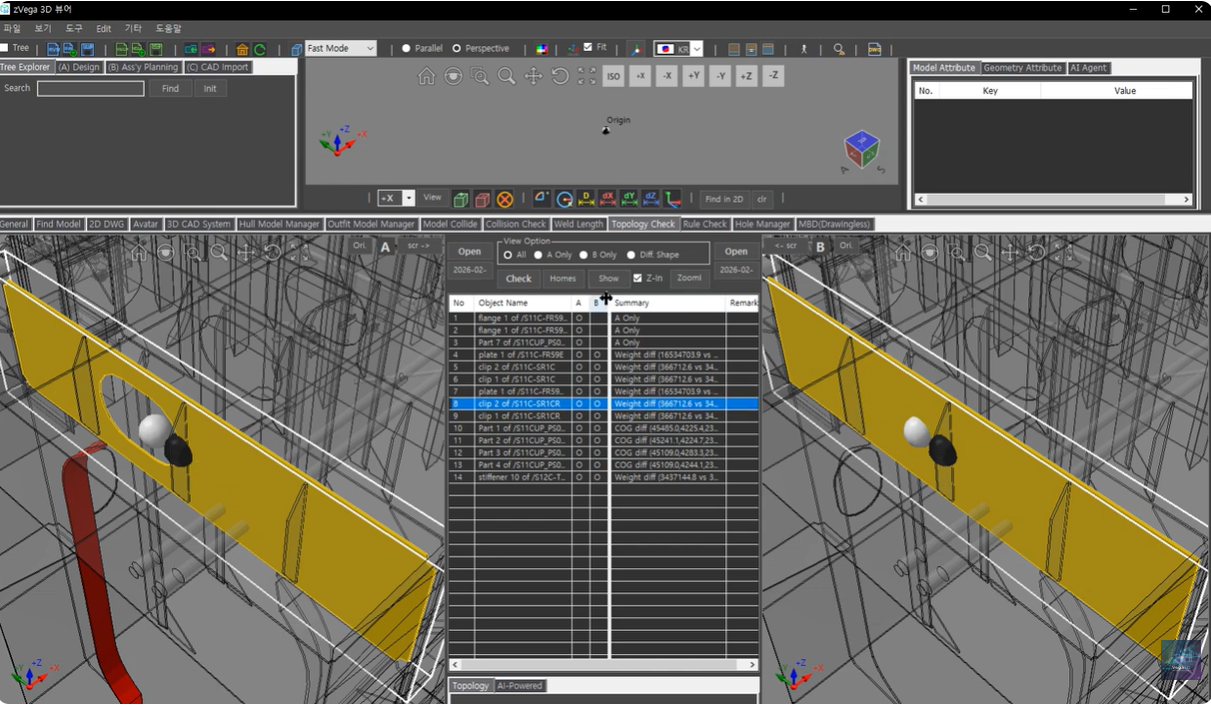
3D Model Revision Check

Comparison of the model's geometric accuracy and topological integrity

  • Name Normalization — Geometry & Topology
  • Large Model Loading — Dual Viewport Sync
  • See-Through Highlight — Unified Viewport Config
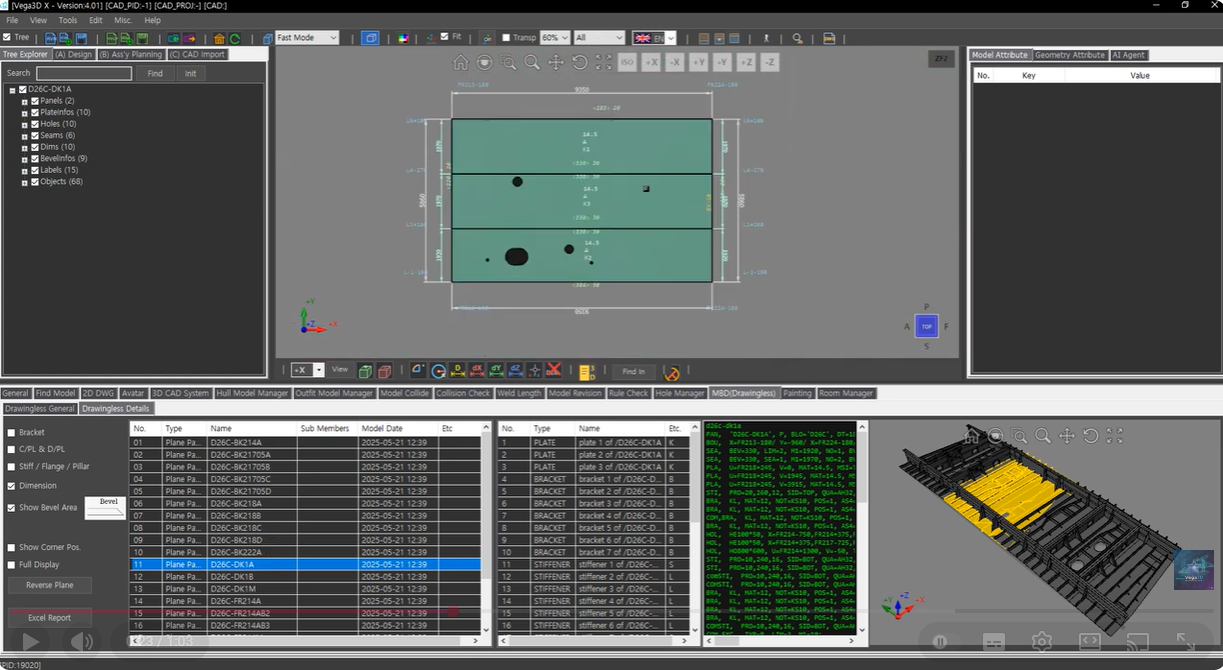
Drawingless MBD
M13

Drawingless (MBD)

Real-Time Drawingless Solution

  • Automatically interpret plate geometry & dimension
  • Fast hull part generation & verification
  • Bevel shape visualized directly on 3D hull parts
  • Outfit model (pipe spools) application support
Paint Area
M14

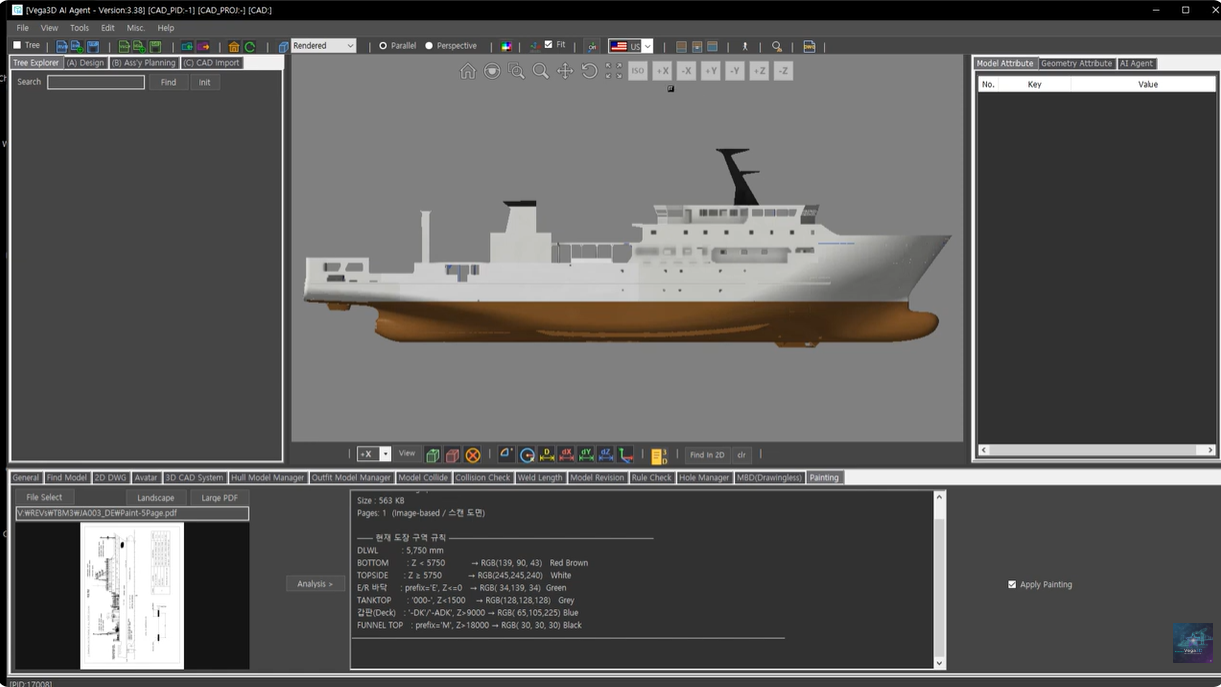
Paint Area

Fast File Format Converter & Merge

  • Automatically identifies paint-area from the 3D ship model.
  • Fast and accurate analysis even for large-scale ship and plant models.
  • Enhances painting management and production preparation.
  • Improves accuracy in material estimation while reducing manual calc. time.
  • Filtering options allow external/internal selection, hole removal, and more.
GML Generation
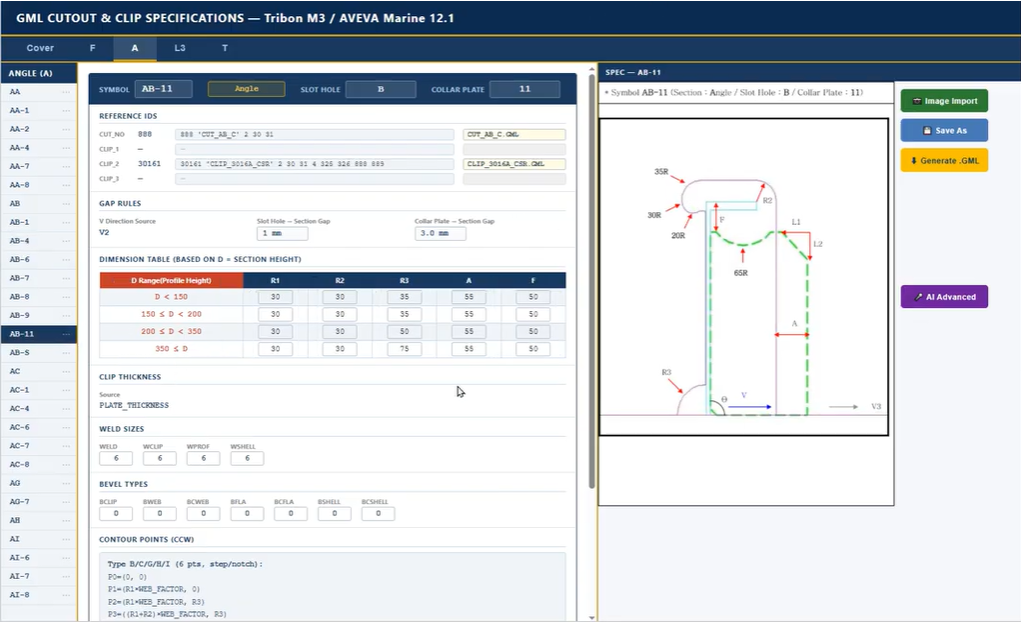
M15

GML Generation

Fast File Format Converter & Merge

  • AI Agent auto. generates GML programs for Slot Holes and Collar Plates.
  • Based on AVEVA Marine / TRIBON production design rules.
  • Instantly interprets cut-out specs and creates accurate geometry.
  • Easily add new types; Bevel & Weld info can be extended with AI.
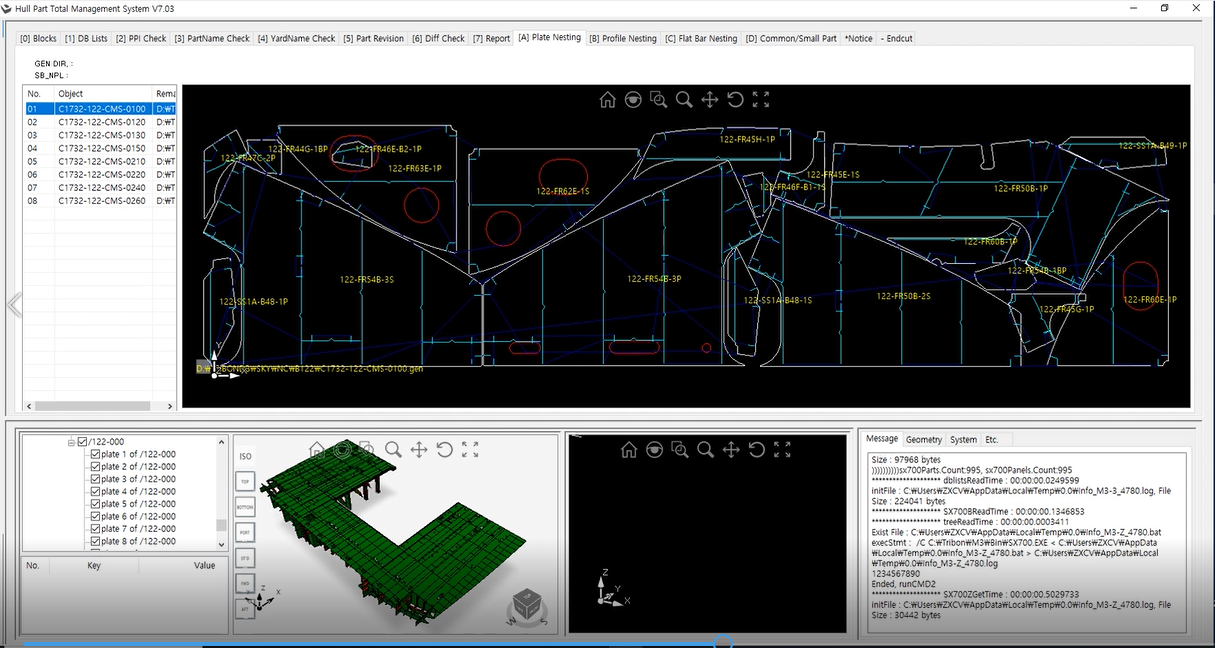
Nesting Solution
M16

Nesting Solution

Fast File Format Converter & Merge

  • Plate / Profile / F-Bar Nesting
  • Support Pre-Nest
  • Interface/Export to CAD System (Tribon M3 / Aveva Marine 12)
  • Report
Assembly Planning Tree
M17

Assembly Planning Tree Auto.

Linking real-time configuration and 3D visualization of the mounting and assembly tree

  • Auto config based on model naming / attribute info
  • Real-time update of 100,000+ components via single tree
  • System automation via Windows Task Scheduler
  • Accurate stage models for field CAD application
More Solutions
M18

More Solutions

Solutions for improving work efficiency in production sites

  • Block & Erection Accuracy Control System
  • Block Support Arrangement System
  • Block Arrangement Information Generation System
  • Lifting Lug Design Support System

Ready to Get Started?

Download a free 30-day trial and experience the power of Vega3D